Requirements
The following are required in order to use Prism in your game.
- Game setup in V5
- Game setup in Hope
- Prism permissions
- A manifest setup for a version of your game.
- TBD - Analytics requirements
Setup
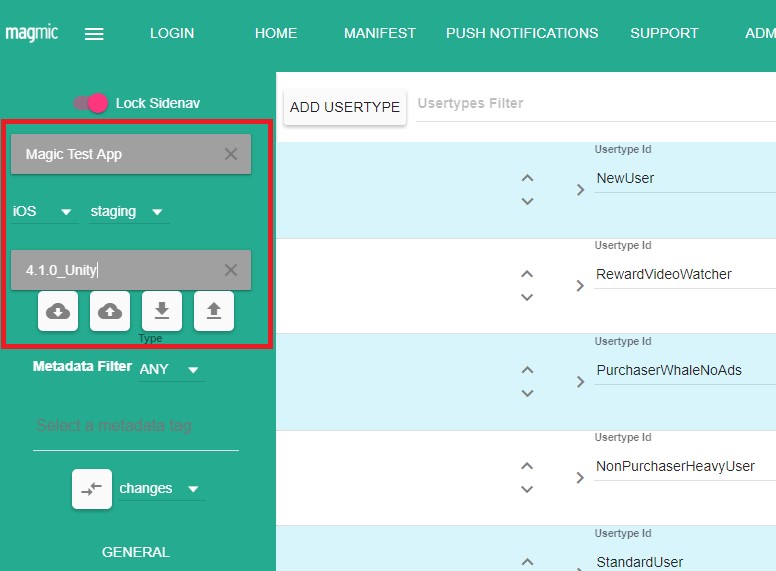
- From the sidebar select your Game / Platform / Environment / Version. Once fully filled out the download button below will enable
- If Prism isn’t setup for a game you’ll be asked if you’d like to continue with Prism setup. If you select to setup Prism the setup dialog will display.
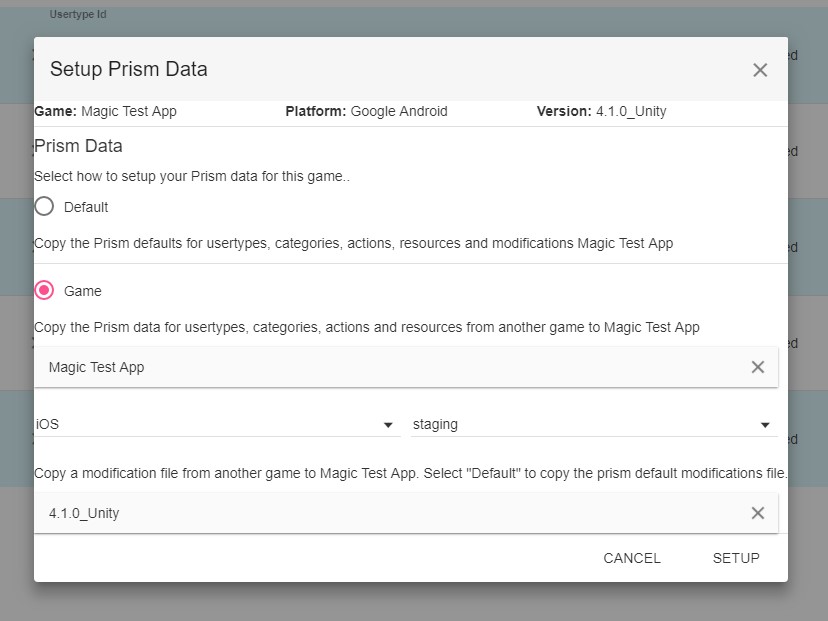
- Default: Will copy over to your game all the default Prism data that includes some generic DarkMatter Actions, Categories, Modifiers, Resources, and Usertypes. All default data will have a default metadata tag associated with it so it can be easily found.
- Game: If you’d like to copy Prism data from an existing game, select game and then select the game and other required information. Only games that have Prism setup will be selectable.
- Version: Default will copy the Prism default modifiers file.
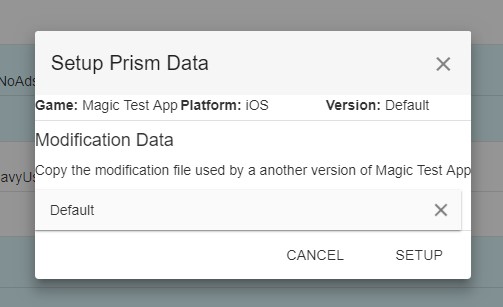
- If Prism is setup for the game, but no Modifiers have been setup you’ll be prompted to setup a modifiers file for this version.
-
Version: Default will copy the Prism default modifiers file.
-
When you’ve selected a game or version to setup it will start adding all the required Prism data for the game and version. When Prism is done setting up it will display a success dialog or an error with more details about what went wrong.