Resources
Resources help group Usertypes together who’s modifications should get applied in a Mutually exclusive way. This is helpful is multiple usertypes want to make changes to for instance the store, but they can’t all make changes at the same time. If a user has multiple Usertypes with the same resource only the highest priority Usertype will have its modification applied. All others Usertypes for that resource will get skipped.
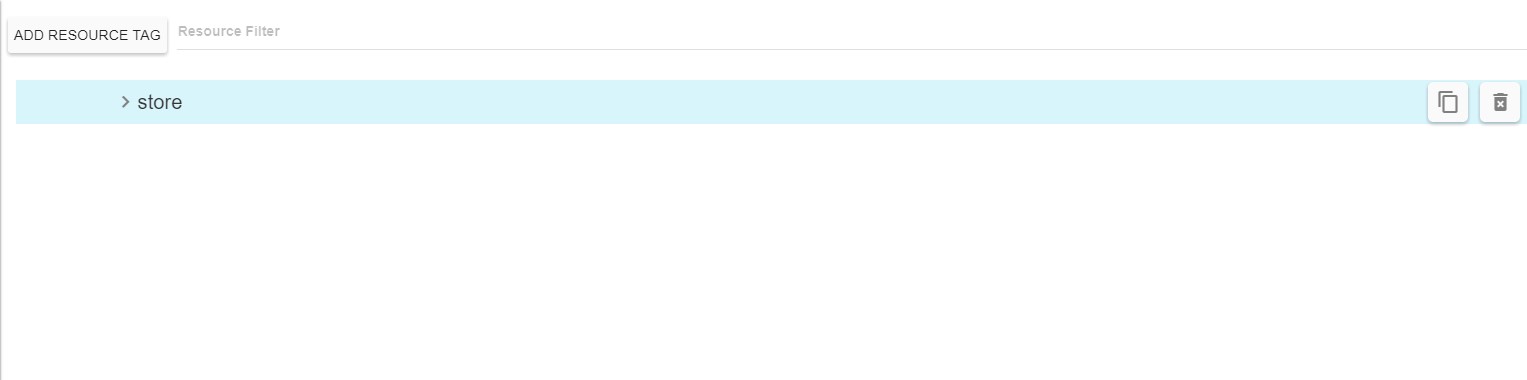
Resources Data
Modifier data links directly to a node in the manifest, if it can’t find the specified node the modification will get skipped when applying Prism to a manifest.

- Details arrow: Changes the current view setting for the Resource, clicking will toggle the current state.
- Condensed: Will show only the high-level resource properties.
- Detailed: Will show the details of the resource.
- ID: A unique identifier that will be used to link this resource to the other parts of Prism
- Copy: Copy the resource, a new unique Id will be required.
- Delete: Delete the resource.
Resources Details
Shows a list of what Usertypes are associated with this resource.

- Associated Usertypes: A list of all Usertypes that reference this Resource.
- The displayed list is in priority order.
- Metadata: The metadata tags associated with this Resource. Metadata is used by the Prism dashboard to help filter and group data elements.
- The tags field will filter and autocomplete based on previous tags used in the Prism data.
- To create a new tag enter the tag string you’d like and hit enter. This tag will be added to the autocomplete list and can be selected from other data elements.