 Using Xcode 8 Reference
Using Xcode 8
In order to use Xcode 8 you will have to disable bitcode and download a different version of the CryptoSwift framework to replace the one included with DarkMatter.
First follow the integration steps in the Getting Started guide and then perform these additional steps.
Disable bitcode
One of the ad network libraries used in DarkMatter was built using Xcode 9 and if you try using it with Xcode 8 you will receive errors about incompatible bitcode versions when doing an archive build. Disabling bitcode in the app and DarkMatter framework will solve the issue.
Select DarkMatter.xcodeproj in the Project navigator and click on the Build Settings tab.
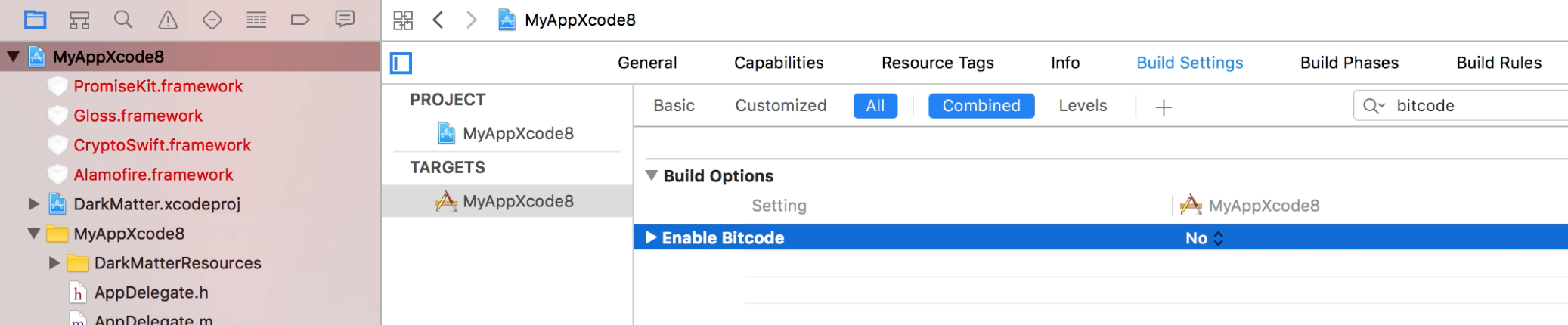
Find the Enable Bitcode option and set it to NO.

Select your app project in the Project navigator and click on the Build Settings tab.
Find the Enable Bitcode option and set it to NO.
Replace CryptoSwift
The CryptoSwift framework has specific versions that need to be used depending on which version of Xcode/Swift you are using. To be able to use it in Xcode 8 version 0.6.9 is required.
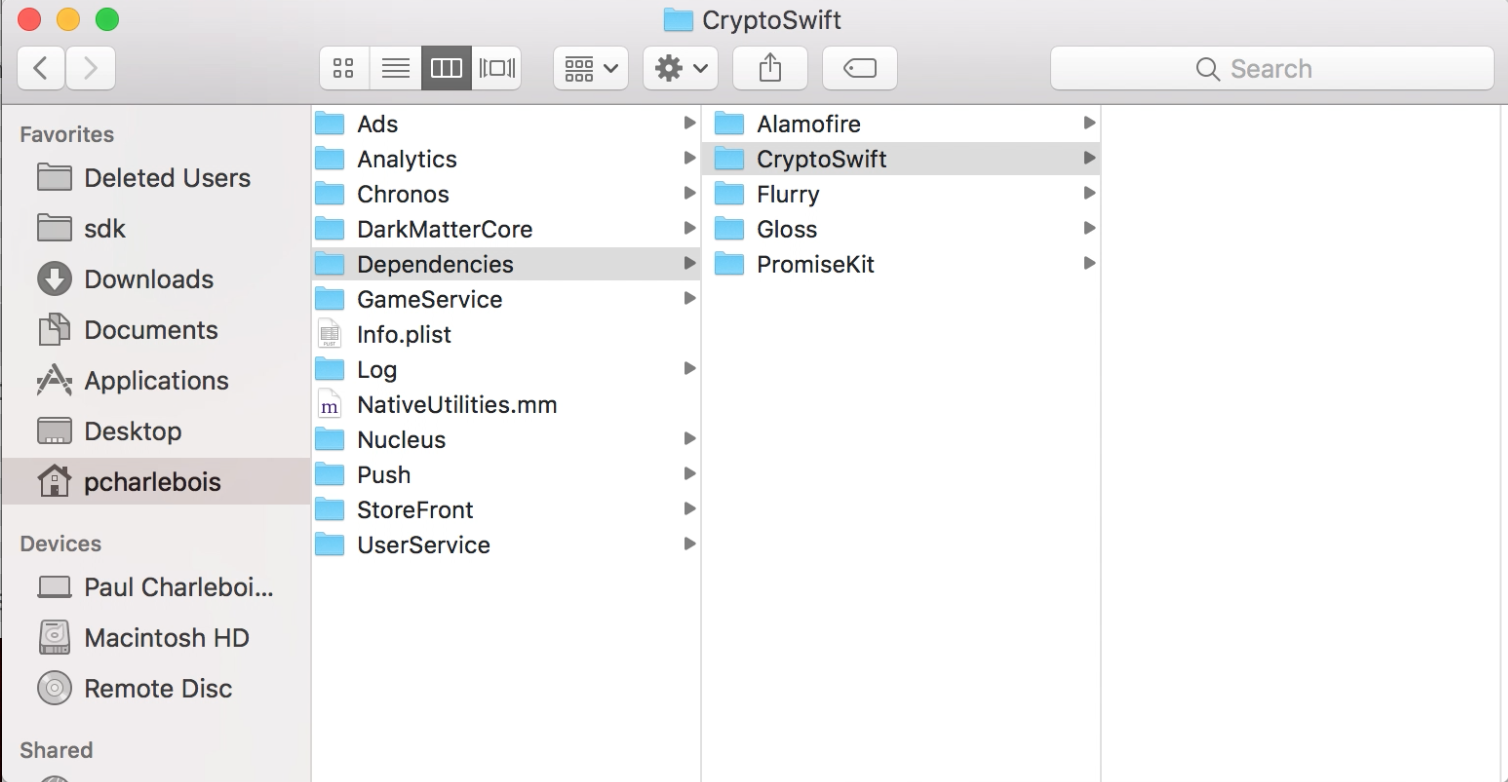
- Delete all files in the DarkMatter/Dependencies/CryptoSwift folder.
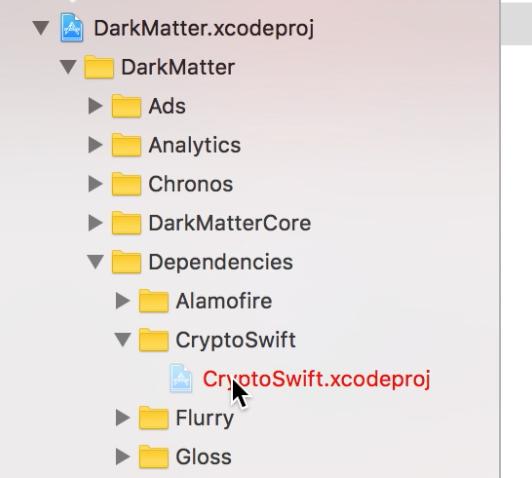
- In the Xcode Poject navigator expand DarkMatter.xcodeproj/DarkMatter/Dependencies/CryptoSwift and delete CryptoSwift.xcodeproj
Downlaod CryptoSwift v0.6.9 from here.
Extract the archive and place the files in the DarkMatter/Dependencies/CryptoSwift folder.
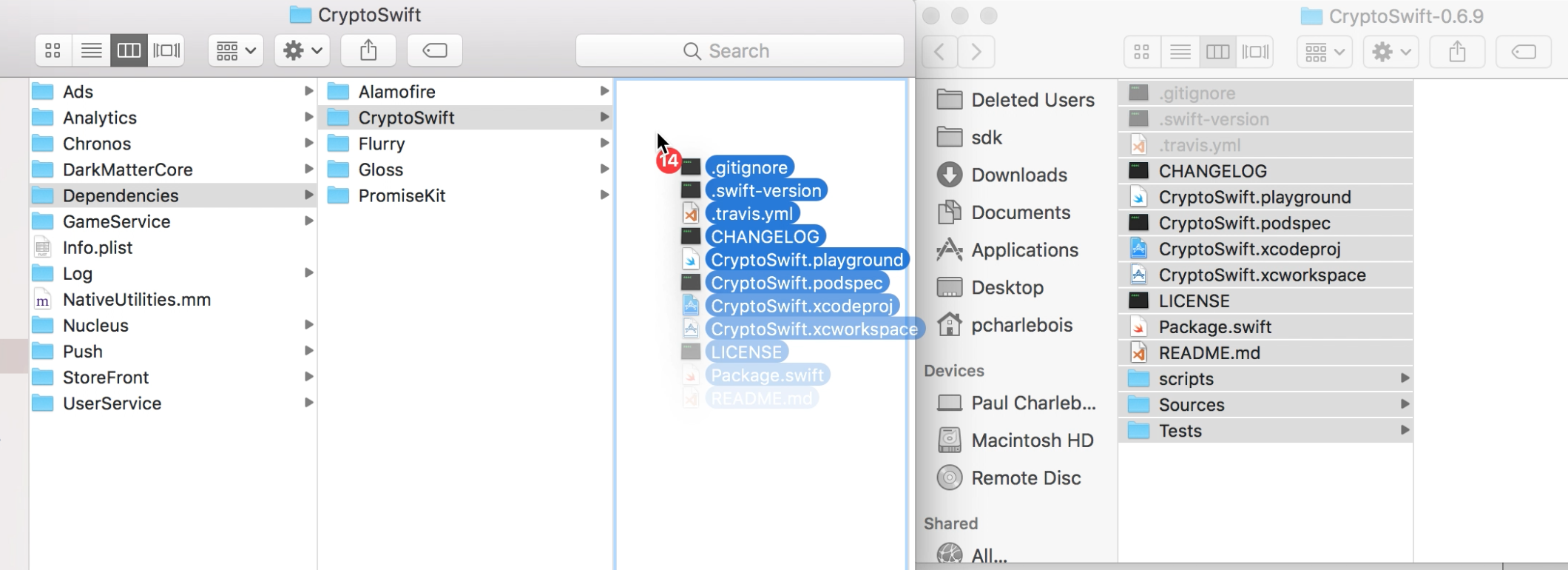
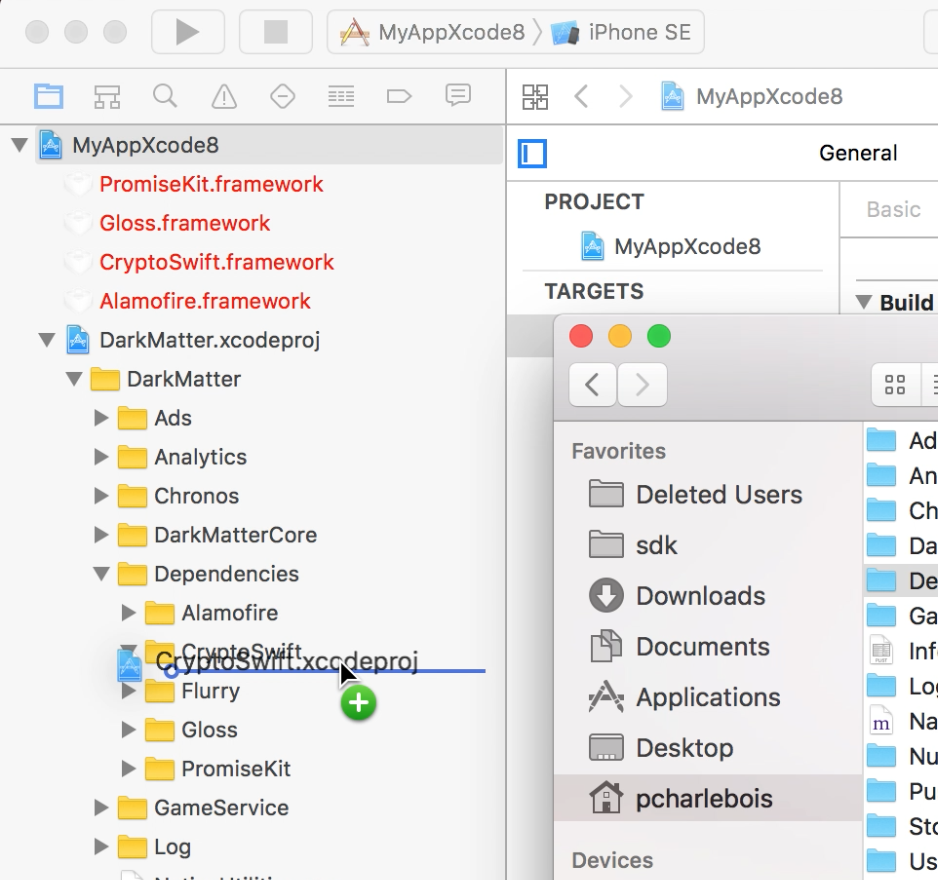
- Drag the CryptoSwift.xcodeproj file from Finder into the Xcode Project navigator and place it in the DarkMatter.xcodeproj/DarkMatter/Dependencies/CryptoSwift folder.
You should now be able to successfully build and archive your project using Xcode 8.